
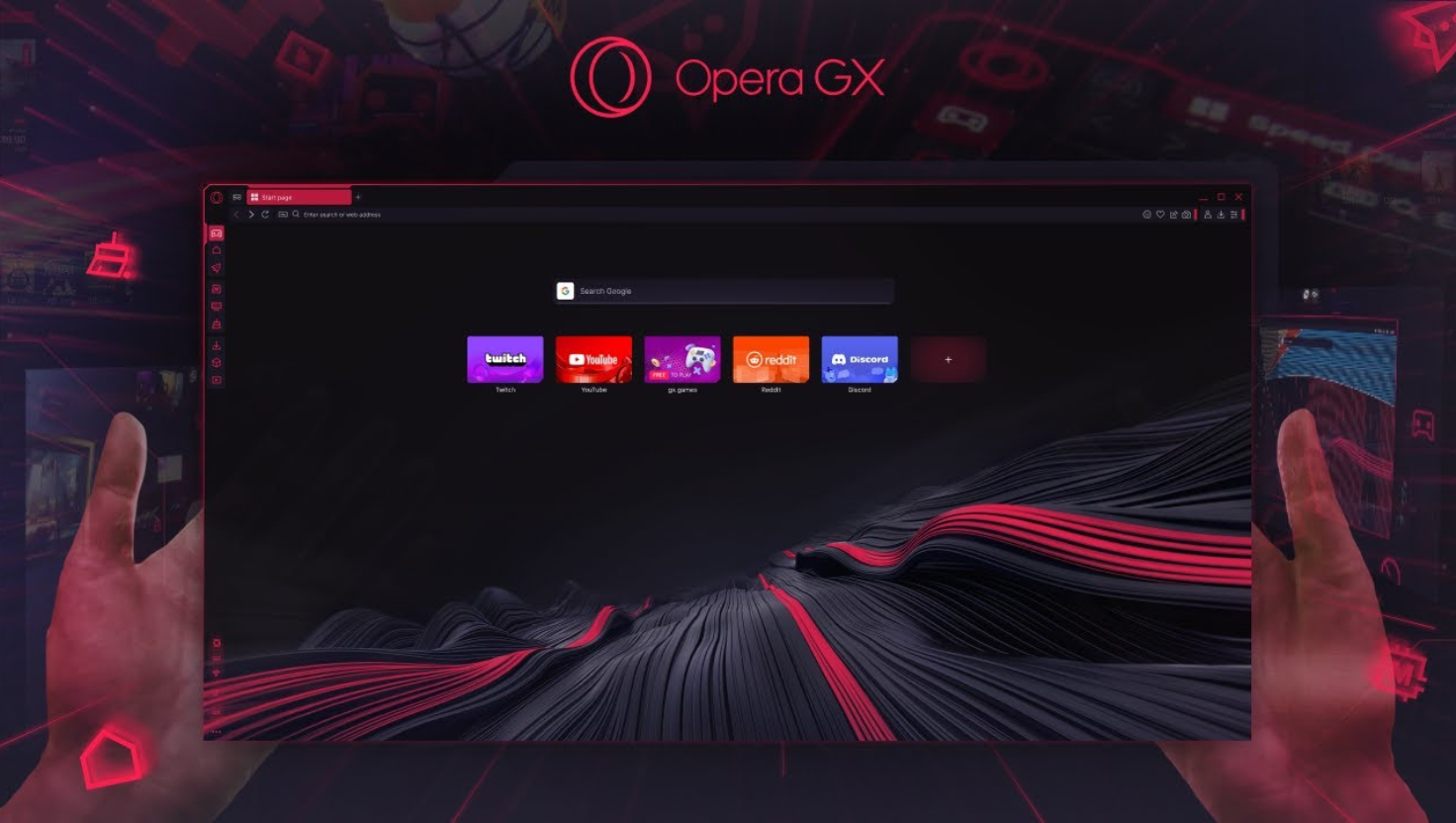
You might know Opera GX as the ultimate browser for gamers, but did you know it’s also a powerful privacy tool?
In this guide, you’ll learn how to turn Opera GX into a fortress for private, ad free, and secure browsing in 2025 without spending a dime.
Whether you’re tired of being tracked, annoyed by ads, or simply want a sleek browser that respects your data, this article is your roadmap.
1. Activate the built in ad blocker
Opera GX includes a native ad blocker no extensions needed.
How to enable it:
-
Go to
settings > privacy and security -
Toggle on block Ads
-
Customize: choose whether to block trackers too.
Bonus: It makes websites load faster especially on slower connections.
2. Enable the free VPN for anonymous browsing:
Opera GX includes a completely free VPN? Yes, even without a subscription.
How to turn it on:
-
Go to
settings > privacy and security -
Activate enable VPN
-
A blue VPN badge appears in the address bar.
Limitations to know:
-
It only encrypts traffic within the browser (not for Netflix or other apps)
-
You can’t choose specific countries, just general regions (Europe, Americas, Asia)
Want full-device VPN protection? Try Surfshark or NordVPN for 2025, fast, cheap, and powerful.
3. Block trackers to avoid being followed online:
Trackers are everywhere – even on « safe » websites.
Opera GX’s tracker blocker prevents third-party scripts from following your activity across websites. This helps:
-
Keep your browsing history private
-
Load pages faster
-
Stop creepy ads from following you.
Go to:Settings > privacy > block trackers
4. Browse in private mode (incognito):
Opera GX supports a private window just like Chrome or Firefox — but with extra style.
Click the red GX logo > « New private window »
You’ll notice a dark theme, and all browsing activity (cookies, history) will be erased when you close it.
Combine this with the VPN for maximum anonymity.
5. Set a secure start page & disable data syncing:
If you use multiple devices, Opera GX offers syncing, but if privacy is your priority:
-
Don’t sign in or disable sync
-
Choose a privacy-focused homepage like DuckDuckGo
-
Remove unnecessary widgets like news feeds
Tip: keep your startup tabs minimal – less tracking, faster load.
6. Bonus: use the crypto wallet feature (optional)
Opera GX has a built-in crypto wallet, secured with device authentication. You can:
-
Store crypto safely
-
Access Web3 dApps
-
Avoid third-party extensions.
If you’re into crypto or NFTs, this is a nice bonus.
Final thoughts: can opera GX replace other browsers for privacy?
Opera GX combines speed, style, and surprisingly strong privacy features. While it’s not as hardcore as Tor or as transparent as Brave, it’s a great middle ground for:
-
Gamers
-
Power users
-
Privacy-conscious casual users.
Internal links you could add:
Lead magnet suggestion (optional):
Turn this article into a free checklist PDF:
“6 steps to make Opera GX your private and secure browser”
➡️ Add email opt-in to download it.