
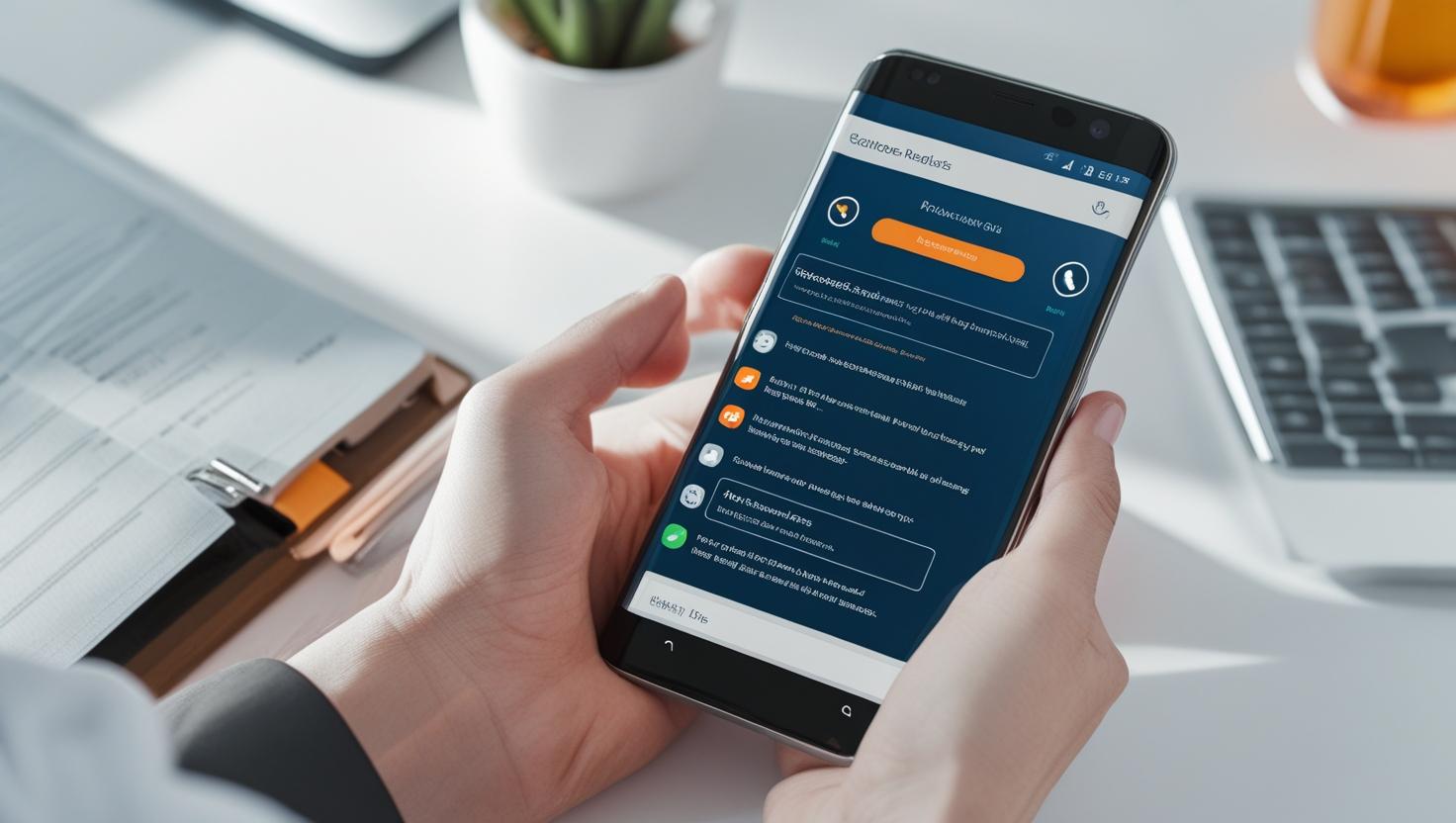
Most people protect their laptops but forget about their phones. Yet your smartphone holds more personal data than your computer—photos, messages, banking apps, and passwords. So, do you really need antivirus on it?
For Android users, the short answer is: probably yes. Android allows app installations from outside the Play Store. That’s useful, but it also opens the door to malicious apps. Even apps on the Play Store sometimes get through with hidden malware.
Good mobile antivirus apps can:
-
Scan apps before and after installation
-
Warn about phishing links in texts or emails
-
Lock or wipe your phone remotely if it’s stolen
-
Block shady websites while browsing
-
Alert you to permission-hungry apps
For iPhone users, it’s a different story. Apple’s system is more closed, and apps are heavily reviewed before going live. Most iOS antivirus apps focus on features like secure browsing, data breach alerts, or VPNs—not scanning for malware.
So is antivirus useless on iPhone? Not entirely, but it’s less critical than on Android.
Some trusted mobile antivirus options:
-
Bitdefender Mobile Security
-
Norton Mobile Security
-
Avast One for Mobile
-
Kaspersky Mobile
-
Lookout Security
These apps often include extra tools like anti-theft, identity monitoring, or app privacy analysis.
If you install apps from unknown sources, click on links without checking, or don’t update your phone regularly, antivirus is a smart backup.
Wondering how viruses actually behave on a system? Check the signs your PC might be infected.